
Infinix InBook X2: A Comprehensive Review and Analysis
The Infinix InBook X2 aims to provide a balance between affordability and performance in the competitive laptop market. This thin and light notebook caters to everyday users, students, and professionals seeking a portable and efficient computing solution. While not designed for high-end gaming or resource-intensive tasks, the InBook X2 offers a compelling package for its price point. This review delves into its features, performance, design, and overall value proposition.
Outline
- Design and Build Quality
- Display and Audio Quality
- Performance and Specifications
- Battery Life and Portability
- Software and Features
- Infinix InBook X2: Pros and Cons
- Best Alternatives to Infinix InBook X2
- Final Verdict: Is the Infinix InBook X2 Right for You?
- FAQ
Design and Build Quality
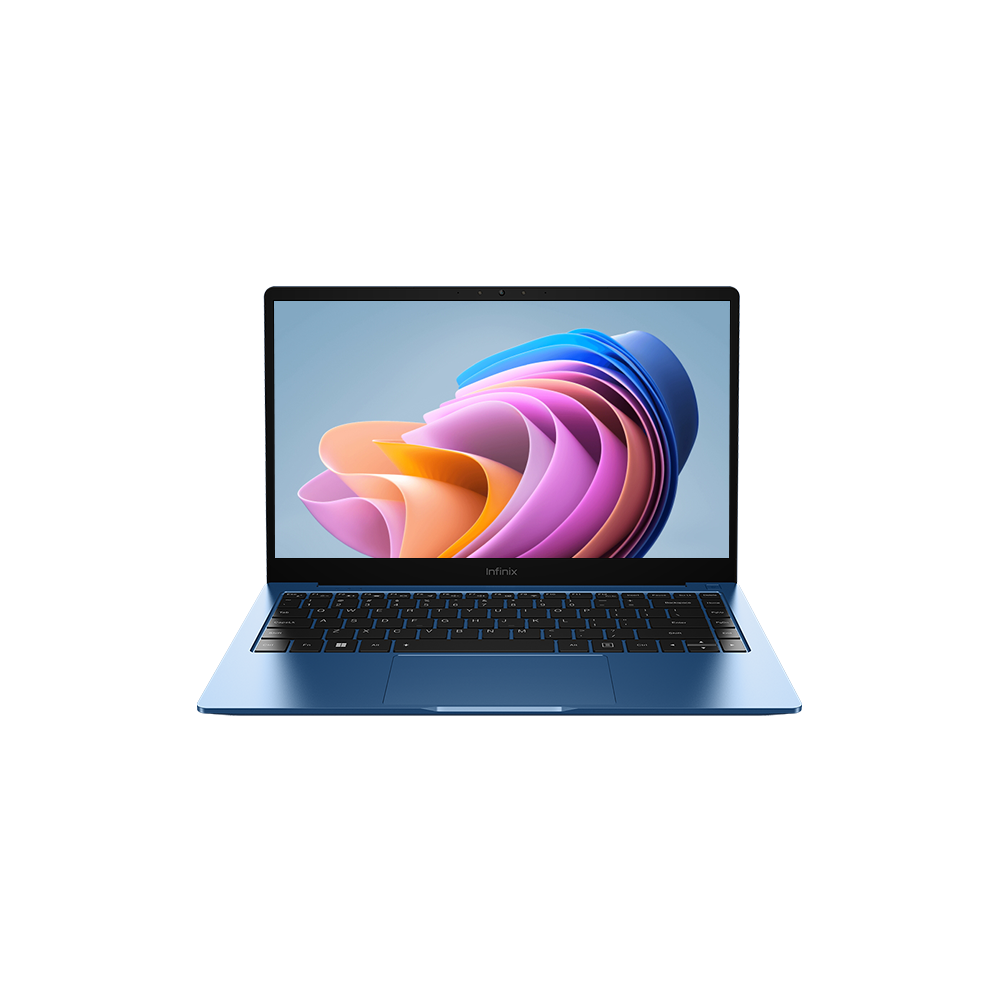
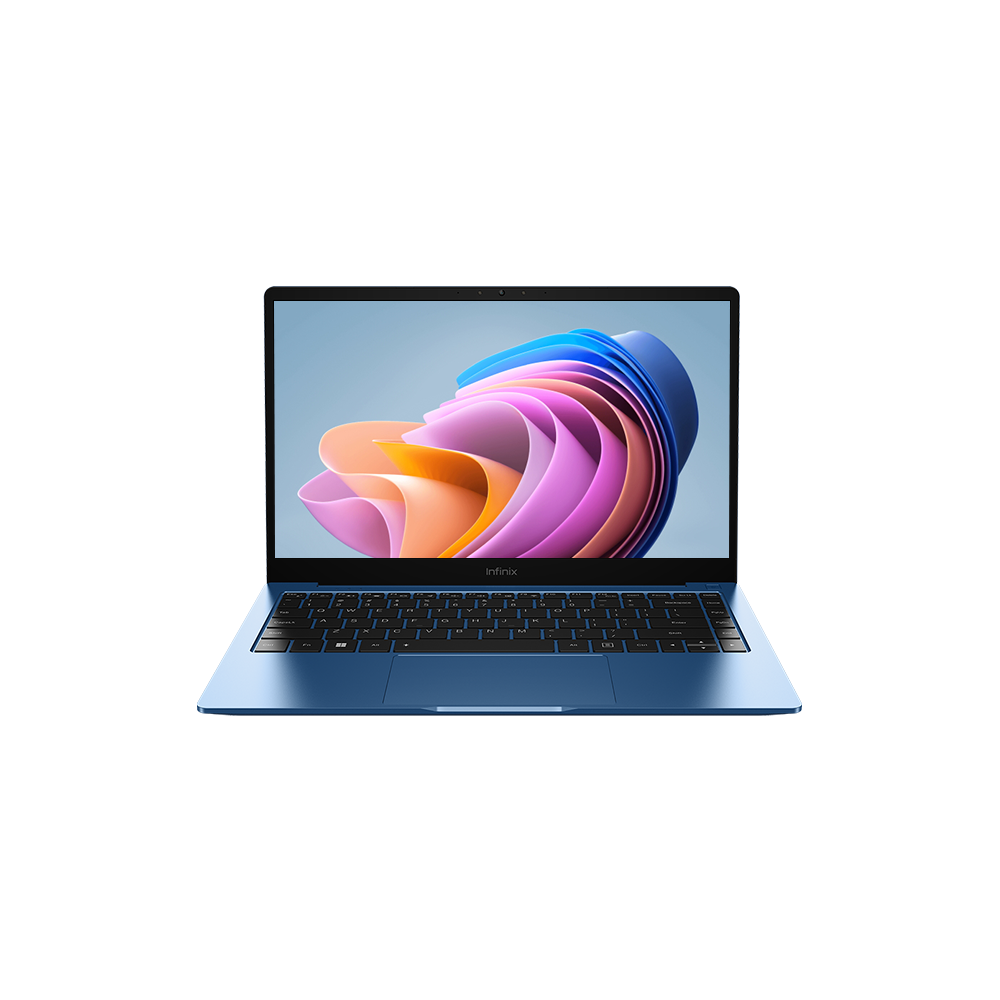
The Infinix InBook X2 boasts a sleek and minimalist design, with a focus on portability. Its slim profile and lightweight construction make it easy to carry around, ideal for users who are constantly on the move. The chassis is typically made of aluminum alloy, providing a premium feel compared to laptops in a similar price bracket. The build quality generally feels solid, though some users might notice a slight flex in the lid or keyboard deck. Available in several color options, it offers a modern aesthetic appeal. The overall design emphasizes clean lines and a streamlined appearance.
Display and Audio Quality
The InBook X2 typically features a 14-inch IPS LCD display with a Full HD (1920 x 1080) resolution. This resolution offers sharp visuals suitable for everyday tasks like web browsing, document editing, and multimedia consumption. While the display is not designed for professional color grading or high-end gaming, it provides adequate brightness and viewing angles for general use. Audio quality is generally acceptable, with dual stereo speakers often offering decent clarity and volume for casual listening. However, the audio experience may not be as immersive or rich compared to laptops with more advanced speaker systems.
Performance and Specifications
The InBook X2 comes equipped with various processor options, including Intel Core i3 and i5 processors, along with integrated Intel Iris Xe Graphics. The amount of RAM typically ranges from 8GB to 16GB, and storage options include SSDs of varying sizes, providing fast boot times and overall system responsiveness. The performance is suitable for everyday productivity tasks, such as word processing, email, web browsing, and running basic software applications. Users should not expect the InBook X2 to handle demanding tasks like video editing or gaming effectively. The Iris Xe graphics, while improved compared to previous integrated graphics solutions, are still limited in their gaming capabilities.
Battery Life and Portability
One of the key selling points of the InBook X2 is its impressive battery life. The laptop typically features a battery that can last for several hours on a single charge, making it a great choice for users who need a laptop for extended periods away from a power outlet. The lightweight and compact design further enhance its portability, making it easy to carry in a backpack or bag.
Software and Features
The InBook X2 usually runs on Windows operating system, offering a familiar user experience. It often comes pre-installed with basic software applications, and users can easily install other software and applications as needed. Additional features may include a fingerprint sensor for enhanced security, a backlit keyboard for typing in low-light conditions, and a webcam for video calls. The webcam quality is generally adequate for basic video conferencing needs.
Infinix InBook X2: Pros and Cons
Pros:
- Sleek and lightweight design
- Good battery life
- Affordable price
- Adequate performance for everyday tasks
Cons:
- Not suitable for heavy gaming or demanding tasks
- Display may lack color accuracy for professional use
- Speakers could be improved
- Build quality may feel slightly less premium compared to higher-end laptops
Best Alternatives to Infinix InBook X2
The market offers several alternative laptops that cater to similar needs and budgets. Here’s a comparison table highlighting some of the key competitors:
| Feature | Infinix InBook X2 | Acer Aspire 5 | ASUS Vivobook 14 |
|---|---|---|---|
| Price (approx.) | $400 – $600 | $450 – $700 | $500 – $800 |
| Processor | Intel Core i3/i5 | AMD Ryzen/ Intel Core | AMD Ryzen/ Intel Core |
| RAM | 8GB – 16GB | 8GB – 16GB | 8GB – 16GB |
| Storage | SSD (256GB – 1TB) | SSD (256GB – 1TB) | SSD (256GB – 1TB) |
| Display | 14″ FHD IPS | 15.6″ FHD IPS | 14″ FHD IPS |
| Battery Life | Good | Average | Good |
| Portability | Excellent | Good | Very Good |
| Graphics | Intel Iris Xe | Integrated/Discrete | Integrated/Discrete |
| Best For | General Use | General Use/Light Gaming | General Use/Media Consumption |
This comparison highlights the ASUS Vivobook 14 as offering potential value.
Final Verdict: Is the Infinix InBook X2 Right for You?
The Infinix InBook X2 is a compelling choice for users seeking an affordable and portable laptop for everyday tasks. Its lightweight design, good battery life, and adequate performance make it suitable for students, casual users, and professionals who prioritize portability and basic computing capabilities. However, users who require high-end performance for gaming or demanding applications should consider alternative options with more powerful processors and dedicated graphics cards. Its value proposition is attractive, but carefully consider your specific needs before making a purchase.
FAQ
- What is the screen resolution of the Infinix InBook X2?
The InBook X2 typically features a Full HD (1920 x 1080) resolution display. - Does the InBook X2 have a backlit keyboard?
Yes, many models of the Infinix InBook X2 include a backlit keyboard. - What operating system does the InBook X2 run?
The InBook X2 runs on the Windows operating system. - Is the InBook X2 good for gaming?
The InBook X2 is not ideal for heavy gaming due to its integrated graphics. It can handle some light gaming, but it is not its strength. - What is the battery life like on the InBook X2?
The InBook X2 offers good battery life, typically lasting for several hours on a single charge.









