Dynabook Tecra A40: A Business Laptop Deep Dive
The Dynabook Tecra A40 represents a serious contender in the competitive business laptop market, offering a blend of performance, security, and portability. Designed with the professional user in mind, it aims to provide a reliable and efficient computing experience for demanding workloads and on-the-go productivity. This article delves into the various aspects of the Tecra A40, examining its features, specifications, and overall value proposition.
Outline
- Design and Build Quality
- Performance and Specifications
- Display and Audio
- Ports and Connectivity
- Security Features
- Battery Life
- Value and Pricing
- Best Alternatives for Business Professionals
- Conclusion
- Frequently Asked Questions (FAQ)
Design and Build Quality
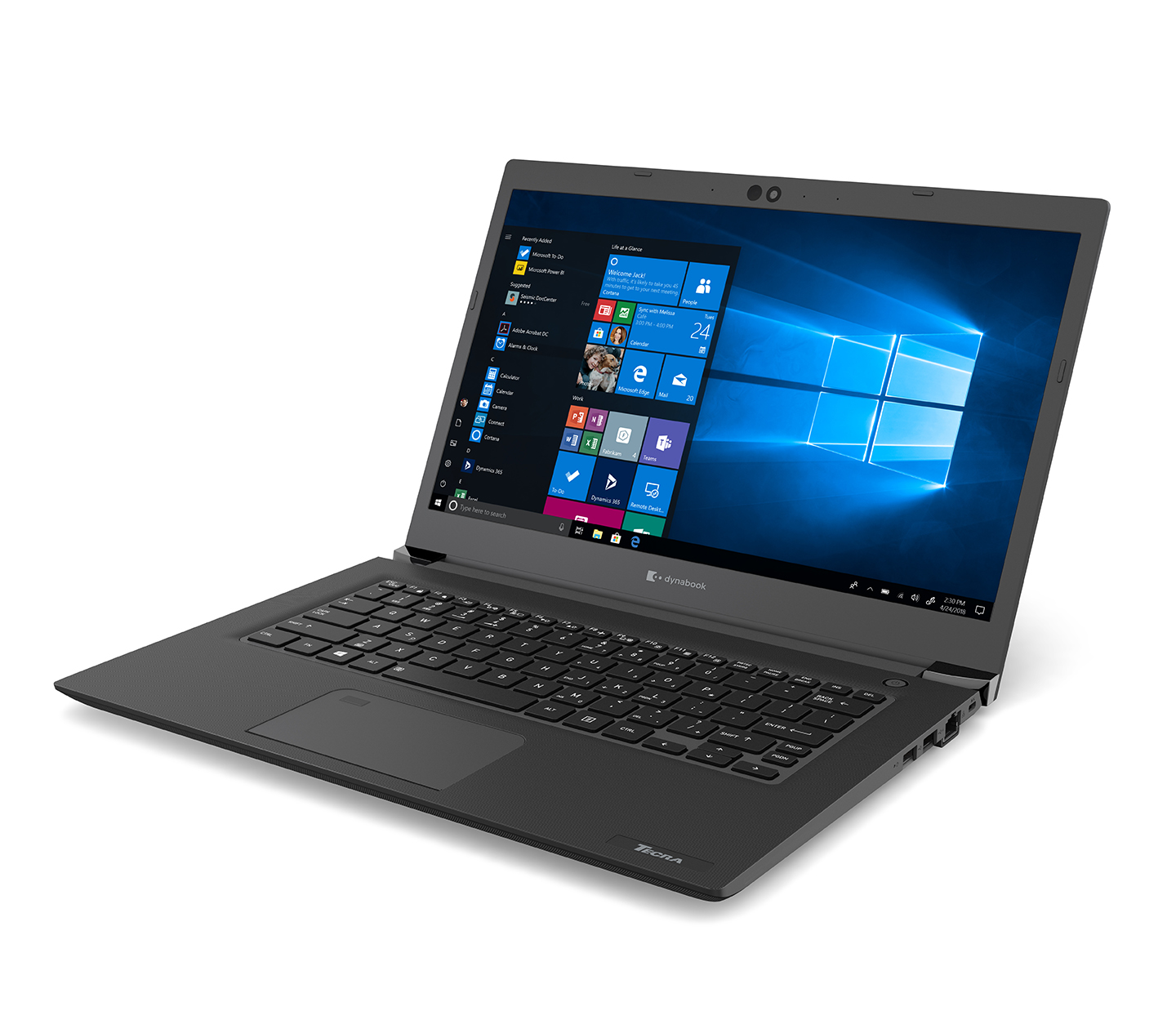
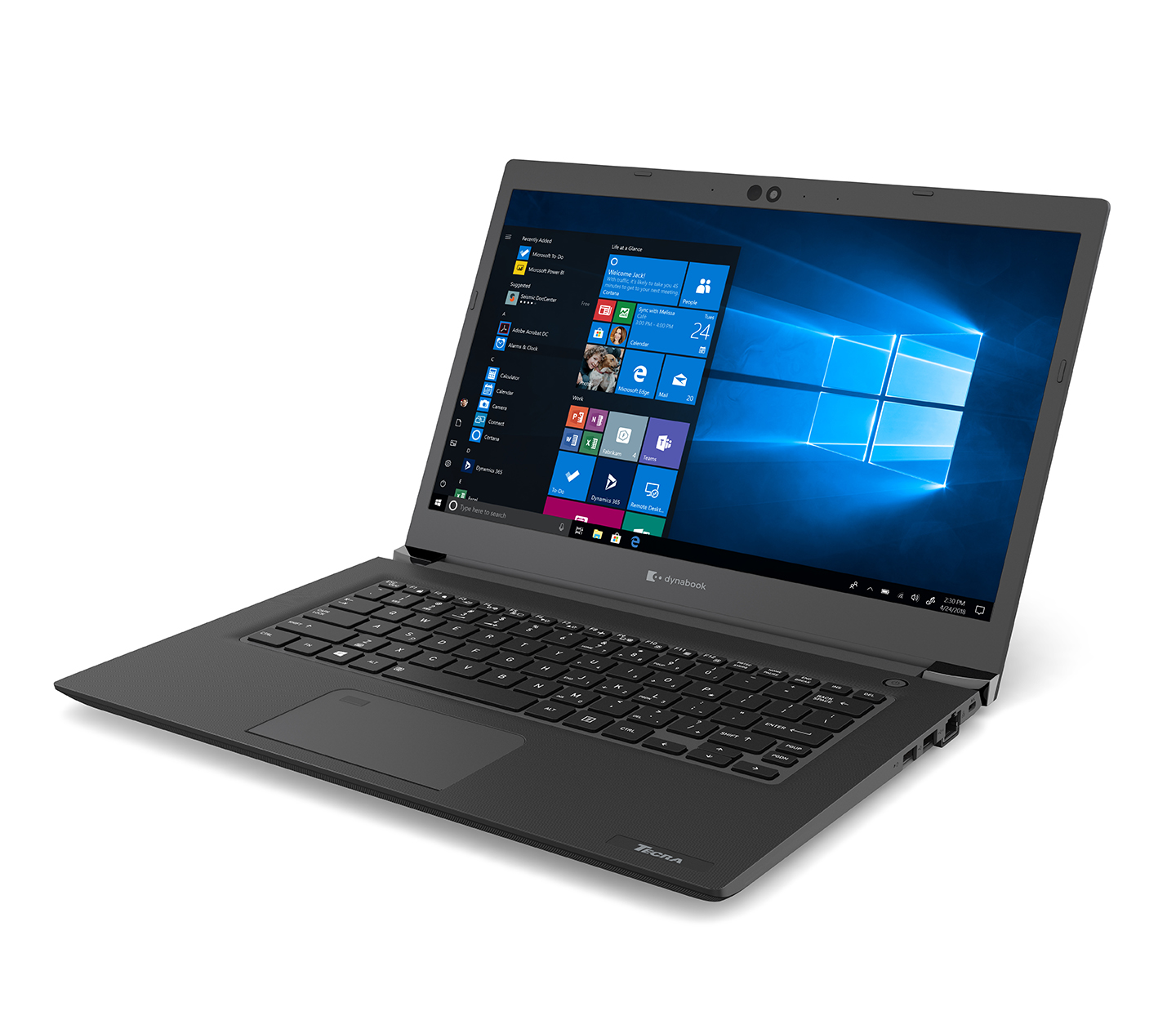
The Dynabook Tecra A40 typically features a robust and durable design, often utilizing a magnesium alloy chassis. This choice contributes to a lightweight yet sturdy build, capable of withstanding the rigors of daily use in a professional environment. The design prioritizes practicality over flashy aesthetics, with a focus on a clean, professional look. The keyboard is generally well-spaced and comfortable, offering a pleasant typing experience. The trackpad is responsive and accurate, facilitating easy navigation. While specific dimensions and weight may vary depending on the configuration, the A40 aims to strike a balance between portability and screen size, making it suitable for both office and travel use. The build quality suggests a long-lasting device designed for everyday business demands.
Performance and Specifications
The Tecra A40 is typically offered with a range of Intel Core processors, from the more power-efficient options (U-series) to the more powerful (P-series), depending on the specific model and generation. This allows users to tailor their performance needs to their specific workloads. RAM options often include configurations from 8GB to 32GB or more of DDR4 or DDR5 memory, ensuring smooth multitasking and handling of demanding applications. Storage is usually provided by fast solid-state drives (SSDs), offering quick boot times and rapid application loading. The graphical capabilities are often integrated Intel Iris Xe Graphics, suitable for everyday business tasks, video conferencing, and light content creation. Some configurations may offer a dedicated graphics card.
The specific specifications, including the processor model, RAM capacity, storage size, and graphics options, will vary depending on the particular configuration of the Tecra A40. However, the overarching goal is to provide a responsive and efficient computing experience capable of handling a variety of professional tasks.
Display and Audio
The Tecra A40 typically features a 14-inch display, a size that provides a good balance between portability and screen real estate. The resolution often ranges from Full HD (1920×1080) to higher resolutions such as 1920×1200 or more, providing sharp and detailed visuals. The display is often an IPS panel, offering wide viewing angles and accurate color reproduction, which is essential for tasks like presentations and content viewing. Anti-glare coatings are usually included to reduce reflections and improve visibility in various lighting conditions.
The audio capabilities are generally adequate for video conferencing and media consumption. The speakers may not provide the loudest or richest audio experience, but they are typically clear enough for the intended use cases. A built-in microphone array enhances the audio experience during online meetings.
Ports and Connectivity
The Tecra A40 is well-equipped with a variety of ports to cater to the needs of business users. Common ports include:
- USB-A ports (for connecting peripherals like mice and external hard drives)
- USB-C ports (offering charging, data transfer, and display output capabilities, sometimes with Thunderbolt support for even faster speeds and connectivity)
- HDMI port (for connecting to external displays and projectors)
- Ethernet port (for a wired network connection)
- SD card reader (for transferring files from cameras and other devices)
- Headphone/microphone combo jack
In terms of connectivity, the A40 typically supports Wi-Fi (often Wi-Fi 6 or Wi-Fi 6E for fast and reliable wireless connectivity) and Bluetooth for connecting to wireless accessories. The range and variety of ports is usually appropriate for professional environments that often require connections to multiple devices.
Security Features
The Dynabook Tecra A40 emphasizes security features to protect sensitive business data. These often include:
- Trusted Platform Module (TPM): A hardware-based security chip that provides a secure environment for storing cryptographic keys and other sensitive information.
- Fingerprint Reader: For biometric authentication, providing a convenient and secure way to log in.
- Webcam Privacy Shutter: A physical shutter that covers the webcam, providing peace of mind and preventing unauthorized access.
- Kensington Lock Slot: For physically securing the laptop to a desk or other object.
- Optional Smart Card Reader: For advanced authentication and access control.
These security features help to protect the laptop and the data stored on it from unauthorized access and potential threats.
Battery Life
The battery life of the Dynabook Tecra A40 will vary depending on the specific configuration and usage patterns. However, it typically offers all-day battery life, allowing users to work unplugged for a significant portion of the workday. The combination of efficient processors, optimized power management, and a reasonably sized battery contributes to a good battery performance. Users can typically expect around 8-12 hours of use on a single charge with moderate usage. Factors such as screen brightness, the types of applications being used, and the wireless connectivity that is in use influence this result.
Value and Pricing
The Dynabook Tecra A40 is positioned in the mid-range to upper-mid-range price segment of the business laptop market. The price will vary depending on the configuration, with models featuring more powerful processors, higher RAM capacities, and larger storage sizes costing more. The Tecra A40 offers good value for its price, providing a balance of performance, features, and durability. The target market is the business professional who requires a reliable and secure laptop capable of handling everyday work tasks.
Best Alternatives for Business Professionals
Choosing the right laptop is crucial. Here are some alternatives, depending on the demands:
- Dell Latitude Series: Known for reliability and excellent business features, the Latitude series provides a range of options, from compact ultraportables to more powerful workstations.
- HP EliteBook Series: Competes strongly, with robust security and performance features. It offers high-quality design and performance.
- Lenovo ThinkPad Series: The ThinkPad series is a favorite among business professionals, with its renowned keyboard, durability, and a wide range of configuration options.
- Apple MacBook Air/Pro: For those integrated into the Apple ecosystem, the MacBook Air and Pro offer exceptional performance, long battery life, and a premium design, but consider the potential software compatibility concerns for business-related software.
- Microsoft Surface Laptop: Offers a sleek design and good performance, integrated well with the Microsoft ecosystem, and is known for its excellent touch display.
Comparison Table: Dell Latitude 5440 vs Dynabook Tecra A40 vs HP EliteBook 840 G10
| Feature | Dynabook Tecra A40 | Dell Latitude 5440 | HP EliteBook 840 G10 |
|---|---|---|---|
| Processor | Intel Core i5/i7 (varies by generation) | Intel Core i5/i7 (varies by generation) | Intel Core i5/i7 (varies by generation) |
| RAM | Up to 32GB (DDR4/DDR5) | Up to 64GB (DDR5) | Up to 64GB (DDR5) |
| Storage | Up to 1TB SSD | Up to 2TB SSD | Up to 2TB SSD |
| Display | 14″ FHD/Higher Resolution IPS | 14″ FHD/Higher Resolution Options | 14″ FHD/Higher Resolution Options |
| Ports | USB-A, USB-C (Thunderbolt), HDMI, Ethernet, SD, Audio | USB-A, USB-C (Thunderbolt), HDMI, Ethernet, SD, Audio | USB-A, USB-C (Thunderbolt), HDMI, Ethernet, SD, Audio |
| Security | TPM, Fingerprint Reader, Webcam Shutter | TPM, Fingerprint Reader, Webcam Shutter | TPM, Fingerprint Reader, Webcam Shutter |
| Weight | ~1.45 kg (varies) | ~1.4 kg (varies) | ~1.36 kg (varies) |
| Starting Price | Mid-Range | Mid-Range | Mid-Range |
| Key strengths | Durability, Portability, Security | Performance, Versatility | Design, Security Features |
Conclusion
The Dynabook Tecra A40 is a well-rounded business laptop that caters to the needs of professionals seeking a reliable, secure, and portable computing solution. While the specific specifications vary depending on the configuration, the Tecra A40 typically offers a blend of performance, durability, and a comprehensive set of features, including a good selection of ports, strong security measures, and comfortable keyboard. It is a solid choice for those who want a practical and capable laptop for everyday business tasks.
Frequently Asked Questions (FAQ)
-
What is the typical battery life of a Dynabook Tecra A40? The battery life can range from 8 to 12 hours depending on usage and configuration.
-
Does the Tecra A40 come with a warranty? Yes, Dynabook typically offers a standard warranty for its laptops. Details vary by region.
-
Does the Tecra A40 offer a fingerprint reader? Yes, a fingerprint reader is usually included for biometric authentication.
-
What operating system does the Tecra A40 run? The Tecra A40 generally runs on Windows operating systems, often Windows 11 Pro.
-
Is the Tecra A40 suitable for gaming? While the A40 can handle light gaming, it is primarily designed for business use. Its integrated graphics are not suited for demanding gaming.